Skip to main content
AI Inspection from Self Inspection is now live in RentWorks Plus. Read the announcement
RentWorks Plus Bluebird Auto Rental Systems Book a Demo
Step-by-step video tutorials

The RentWorks Plus How-To Library

Every RentWorks Plus workflow, shown in the live app in about two minutes. Watch a series start to finish, or jump straight to the task you need.

Series 01 · 4 videos · 7 min

Core Rental Operations

From the planner to the return

Start where the day starts, on the Reservation Planner, then follow a single rental through the counter: book it, hand over the keys and take the car back. Watch in order, or jump to the task you need.

Start the series
  1. 01
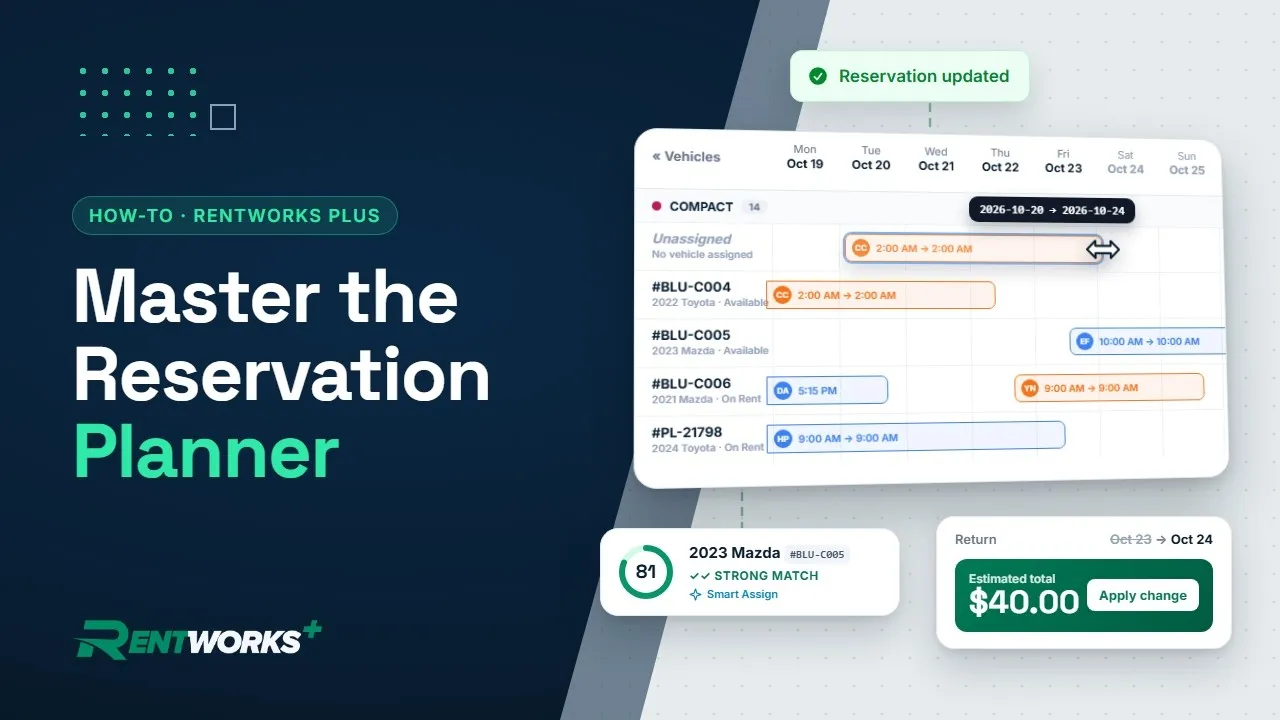
    Car Rental Reservation Planner Tutorial (2 Min) video thumbnail 2:07

    Use the Reservation Planner

    Read the timeline, filter the fleet, change a return, assign cars by hand or with Smart Assign, and book from the grid.

    Watch
  2. 02
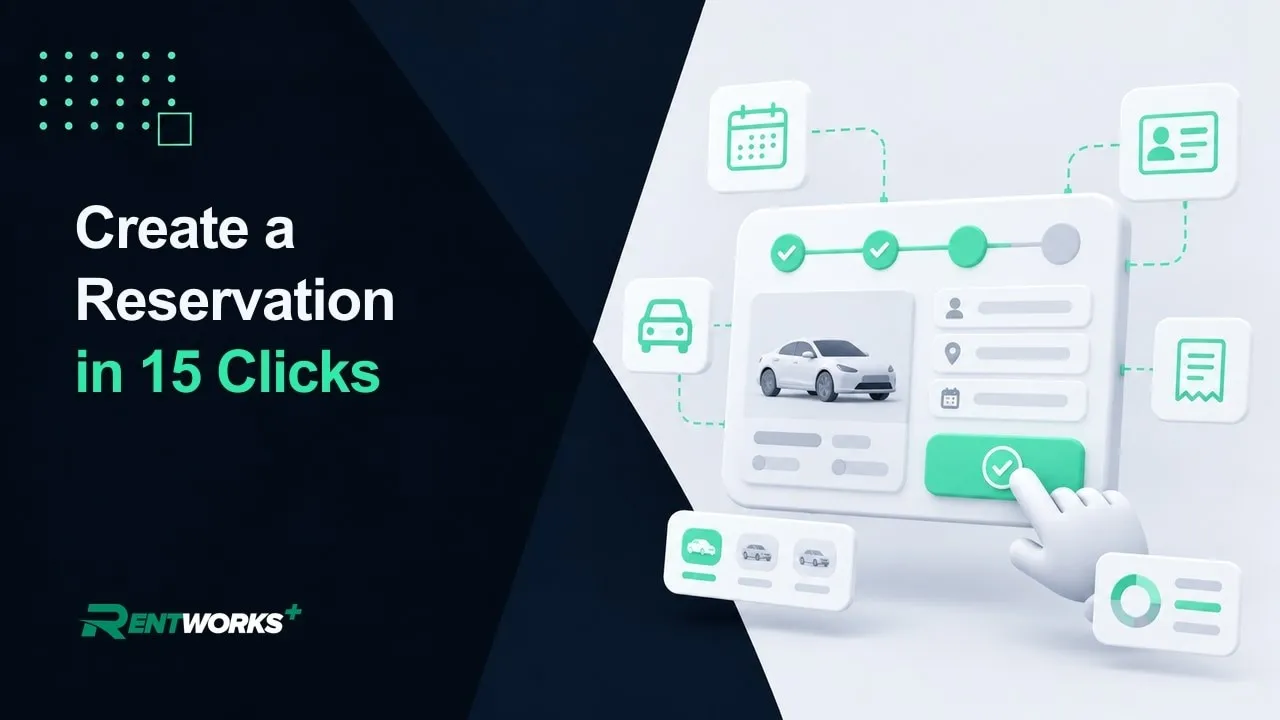
    How to Create a Car Rental Reservation in 15 Clicks video thumbnail 1:48

    Create a Reservation

    Dates, vehicle class, renter, rate plan and add-ons, from the first click to one saved electronic record.

    Watch
  3. 03
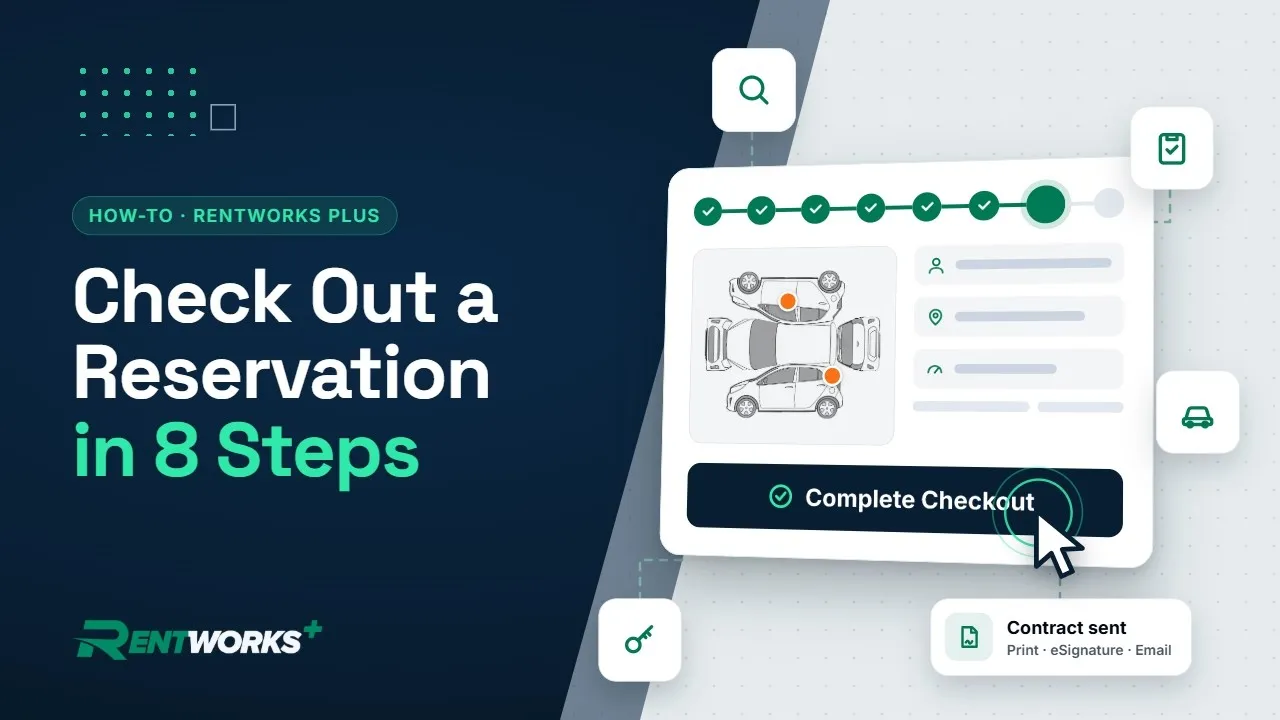
    How to Check Out a Rental in RentWorks Plus video thumbnail 1:37

    Check Out a Rental

    Find the reservation, log odometer, fuel and damage, add extras and send the contract for e-signature, all on one page.

    Watch
  4. 04
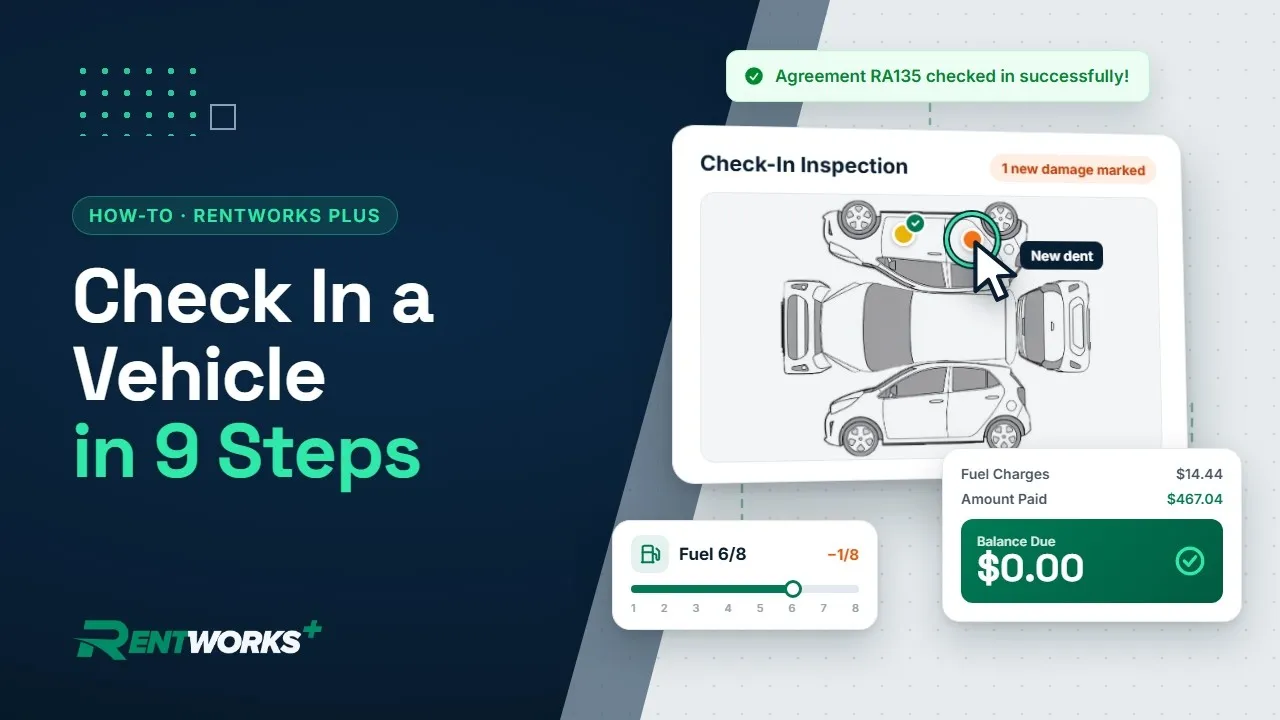
    How to Check In a Rental Car in RentWorks Plus (Step-by-Step) video thumbnail 1:40

    Check In a Rental

    Confirm the return, record odometer and fuel, spot new damage, take payment and close the contract.

    Watch

See it on your own fleet

Book a 30-minute RentWorks Plus demo and we'll run these workflows with your vehicles, rates and locations.

Book a Demo

Already a customer? Search the Help Center

Step-by-step video tutorials

The RentWorks Plus How-To Library

Every RentWorks Plus workflow, shown in the live app in about two minutes. Watch a series start to finish, or jump straight to the task you need.

Series 01 · 4 videos · 7 min

Core Rental Operations

From the planner to the return

Start where the day starts, on the Reservation Planner, then follow a single rental through the counter: book it, hand over the keys and take the car back. Watch in order, or jump to the task you need.

Start the series
  1. 01
    Car Rental Reservation Planner Tutorial (2 Min) video thumbnail 2:07

    Use the Reservation Planner

    Read the timeline, filter the fleet, change a return, assign cars by hand or with Smart Assign, and book from the grid.

    Watch
  2. 02
    How to Create a Car Rental Reservation in 15 Clicks video thumbnail 1:48

    Create a Reservation

    Dates, vehicle class, renter, rate plan and add-ons, from the first click to one saved electronic record.

    Watch
  3. 03
    How to Check Out a Rental in RentWorks Plus video thumbnail 1:37

    Check Out a Rental

    Find the reservation, log odometer, fuel and damage, add extras and send the contract for e-signature, all on one page.

    Watch
  4. 04
    How to Check In a Rental Car in RentWorks Plus (Step-by-Step) video thumbnail 1:40

    Check In a Rental

    Confirm the return, record odometer and fuel, spot new damage, take payment and close the contract.

    Watch

See it on your own fleet

Book a 30-minute RentWorks Plus demo and we'll run these workflows with your vehicles, rates and locations.

Book a Demo

Already a customer? Search the Help Center