

Keep renter and company-account context with the rental record
Manage supported customer details, rental history, balances, documents, drivers, account terms, payment history, and configured field access in one operating context.
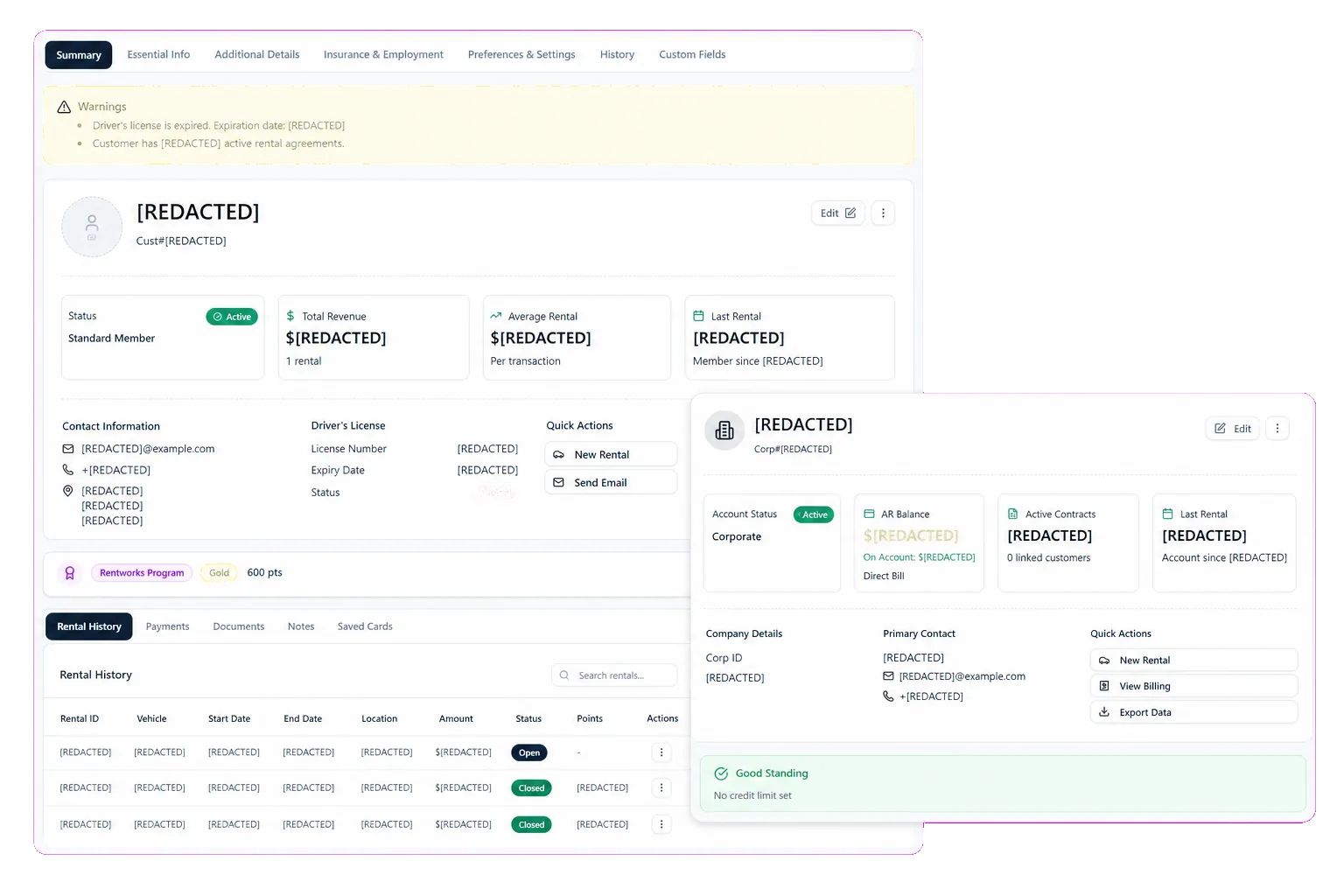
Keep customer context available across the rental day
Customer Accounts in RentWorks Plus can hold supported contact and license details, tokenized payment references where applicable, rental history, account controls, current balances, documents, and payment history. Staff can review that context while preparing a reservation, agreement, pickup, return, or follow-up.
The account does not replace staff review. A returning renter may have changed contact details, an expired license, a new payment method, or a balance that needs attention. RentWorks Plus gives staff a working record, while the operator sets the checks required for the next rental.
Support repeat renters without rebuilding the record
Rental history can give staff context about prior agreements, documents, payments, and account activity. Supported records help the team prepare the next interaction while retaining the checks and approvals required by policy.
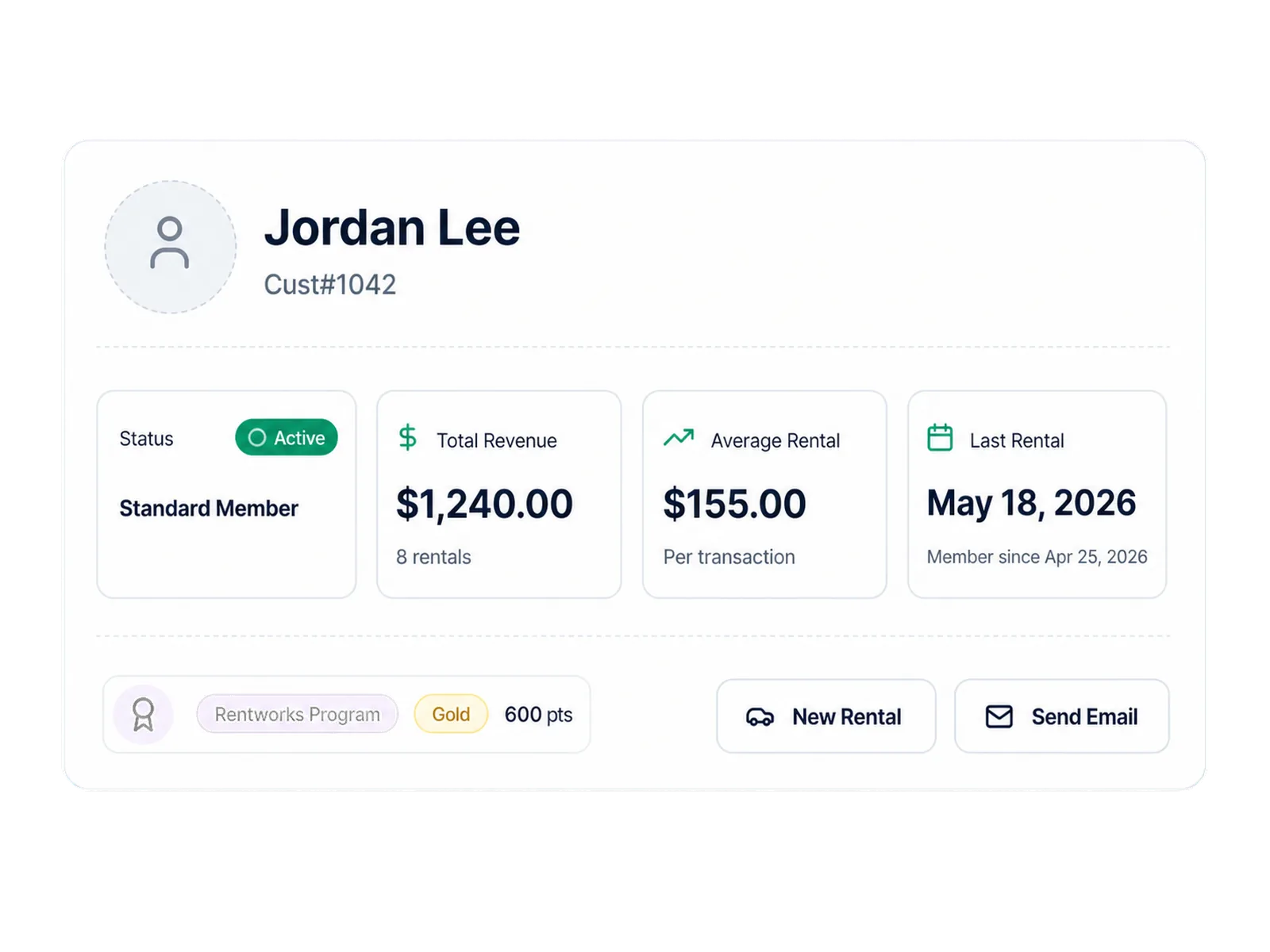
When an account needs review, use a rental restriction or account review flag rather than a label that implies a permanent judgment. Staff can review the reason, apply the operator's policy, and document the next action.
Manage company accounts, authorized drivers, and terms
Corporate accounts can add contracts, authorized employee drivers, negotiated terms, balances, documents, and account reporting. Keeping those records with the company account helps staff distinguish an authorized rental from an exception that needs approval.
The supported account workflow does not include recurring invoicing or automated recurring billing. If your operation needs a billing schedule, adjustments, statements, or an accounting handoff, include that process in the scoped review.
Maintain supported company contact and contract context.
Record authorized employee drivers and negotiated terms.
Review balances, documents, rental history, and payment activity.
Use account reporting within the configured setup.
Add supported fields without giving each role the same access
Fields Management lets administrators add supported customer fields and control which roles can view or edit configured fields. That gives an operator a way to capture business-specific information while keeping sensitive or specialized fields away from roles that do not need them.
Field types, exports, reports, APIs, and inherited access can differ by configuration. The role design should match the people who create, review, correct, and use the data during the rental day.
Keep payment references and balances in context
Where applicable, the customer record can include tokenized payment references rather than exposed card data. Supported cash, refund, balance, receipt, and payment-history activity can remain connected to the customer and rental records.
Tokenization is one part of a payment workflow. It does not make the merchant's full environment compliant by itself. The scoped implementation should identify the configured processor, payment methods, responsibilities, hardware, fees, and handling rules that apply.
Use account data for rental work, not unapproved marketing automation
Customer Accounts supports rental and company-account work inside RentWorks Plus. Loyalty and promotion settings can connect supported rewards or eligibility rules to booking context where configured.
This does not include an external CRM connection, email campaigns, audience segmentation, attribution, or AI personalization. Those functions need separate scope, consent, data rules, and product coverage.
How it flows
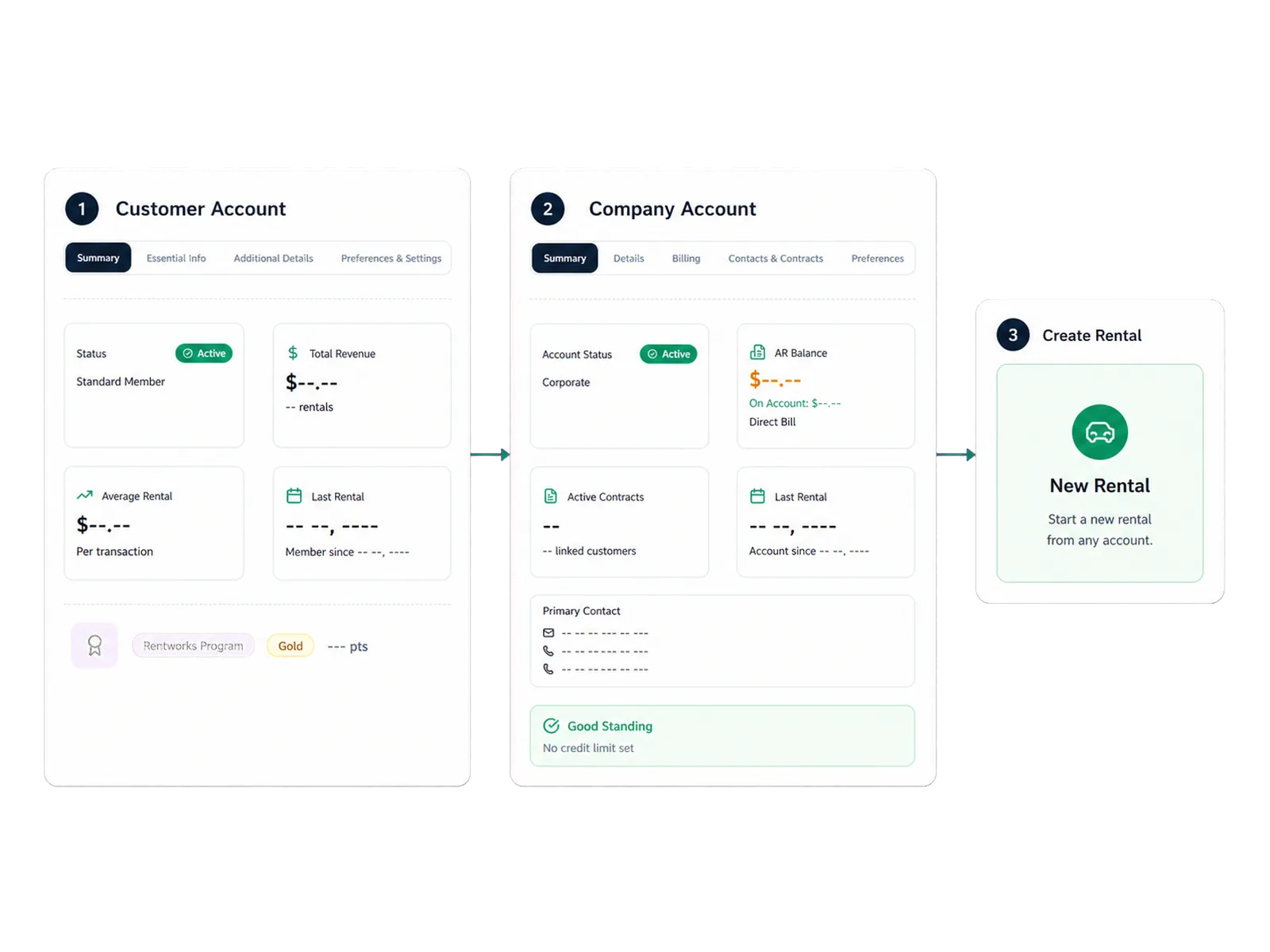
Three moments that make this real inside a working rental day.
Input
Keep customer context available across the rental day
Working state
Manage company accounts, authorized drivers, and terms
Outcome
Use account data for rental work, not unapproved marketing automation
Answers before your demo
Common questions from operators evaluating this capability.
Does RentWorks Plus support renters and company accounts?
Yes. Supported renter records can include contact, license, rental-history, balance, document, and payment context. Company accounts can add contracts, authorized drivers, negotiated terms, and account reporting.
Can administrators control who sees customer fields?
Administrators can add supported customer fields and control which roles can view or edit configured fields. Field types, exports, reports, and inherited access follow the configured setup.
Does the corporate-account workflow include recurring invoicing?
Recurring invoicing is not part of the supported capability set. Corporate accounts support contracts, authorized drivers, negotiated terms, balances, documents, rental history, and account reporting.
Is Customer Accounts a marketing CRM?
No. It manages customer and company-account context for rental operations. Email campaigns, audience segmentation, attribution, external CRM connections, and AI personalization are separate functions.
Review a renter and a company account in context
Bring the fields, roles, driver rules, balances, documents, and account terms your team uses. We will follow them through the rental workflow.