
Skip to main content
RentWorks Plus Bluebird Auto Rental Systems Book a Demo
PHYSICAL VEHICLE INVENTORY

Physically audit your rental fleet — every VIN, every lot

Run inventory sessions to confirm every vehicle in the system matches where it physically sits — VINs, keys, and lot assignments reconciled in one pass.

Built on RentWorks PlusSSAE-18 hosted40+ years in rental
Physical Inventory Session · Newark Airport · Lot B Scanning · 34 / 54
Vehicle inventory check
Confirm each vehicle matches its assigned location
VIN · 5FRYD3H45L
VehicleAssignedPhysical
#1244 · Toyota RAV4Lot B · 12Lot B · 12 #1250 · Honda CR-VLot B · 13Lot B · 13 #1251 · Nissan AltimaLot B · 14Lot C · 03 #BLU-E001 · Tesla Model 3Lot B · 15Lot B · 15
1 mismatch · flagged for reconciliation 63% complete
What you get
Inventory sessionsReconciliationVIN and key setsAudit results
01

Run an inventory session on the lot

Open a session for a branch or lot, scan or key in each VIN as you walk it, and mark the row confirmed. The system compares the physical count to what it thinks it has and highlights anything that does not line up.

● Spotlight

Reconcile location and status mismatches

When a vehicle is found in a different lot, moved between branches, or missing entirely, the session logs the exception. Reassign the correct location, update status, or flag the unit for follow-up before you close the session.
Reconcile location and status mismatches
02

Keep every VIN, key set, and stall accounted for

Track physical assignments — lot, row, stall, key drawer — so counter and prep teams stop guessing where a car is. Every audit updates the record other modules already rely on.

In practice

Close the audit with a documented result

When the count is complete, the session posts a signed record: who audited, when, what changed, and how many mismatches were resolved. Keep the trail for internal control and franchise reviews.
Close the audit with a documented result
Workflow

How it flows

Three moments that make this real inside a working rental day.

1

Input

Run an inventory session on the lot

2

Working state

Reconcile location and status mismatches

3

Outcome

Close the audit with a documented result

FAQ

Answers before your demo

Common questions from operators evaluating this capability.

What does a RentWorks Plus vehicle record include?

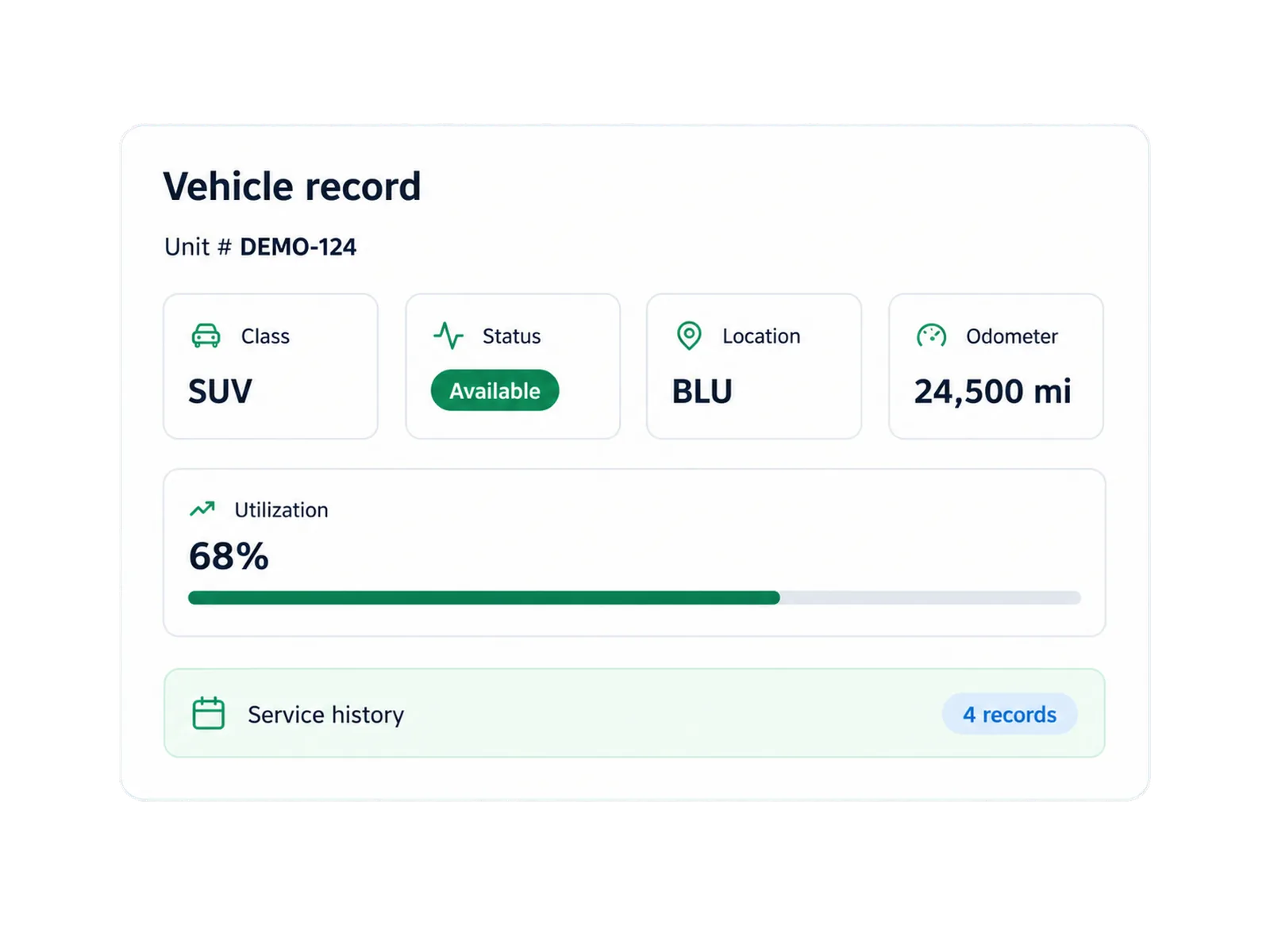
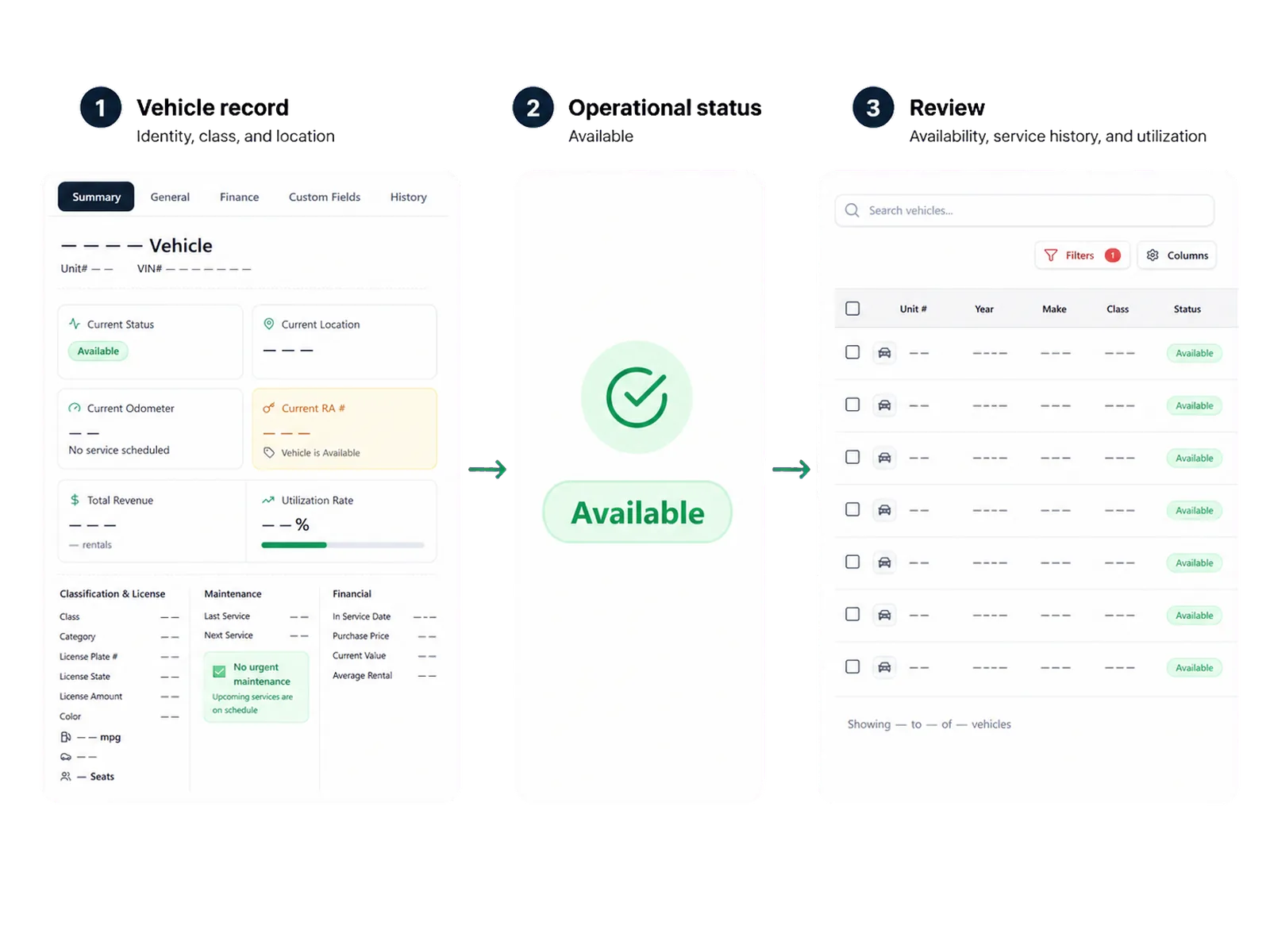
The supported scope includes unit status, availability, ACRISS class, location, supported holds, service history, and utilization context. Other fields depend on the configured setup.

How does vehicle status affect availability?

Configured status controls can remove a unit from bookable inventory while a supported hold, maintenance need, or repair status is active. Staff review the vehicle before returning it to the plan.

Can fleet fields be imported or exported?

Validated CSV tasks can support supported fleet fields. The maintained field list, format, history, documents, and access follow the scoped configuration.

What is the difference between Inventory and Fleet Management?

Inventory Management focuses on the unit record, classification, location, status, availability controls, and supported data tasks. Fleet Management focuses on operating status, assignments, service, repairs, inspections, and utilization context across vehicles.

Review the vehicle record your team needs

Each vehicle still carries its identity, status, service history, and utilization context — inventory audits keep that record trustworthy.

PHYSICAL VEHICLE INVENTORY

Physically audit your rental fleet — every VIN, every lot

Run inventory sessions to confirm every vehicle in the system matches where it physically sits — VINs, keys, and lot assignments reconciled in one pass.

Built on RentWorks PlusSSAE-18 hosted40+ years in rental
Physical Inventory Session · Newark Airport · Lot B Scanning · 34 / 54
Vehicle inventory check
Confirm each vehicle matches its assigned location
VIN · 5FRYD3H45L
VehicleAssignedPhysical
#1244 · Toyota RAV4Lot B · 12Lot B · 12 #1250 · Honda CR-VLot B · 13Lot B · 13 #1251 · Nissan AltimaLot B · 14Lot C · 03 #BLU-E001 · Tesla Model 3Lot B · 15Lot B · 15
1 mismatch · flagged for reconciliation 63% complete
What you get
Inventory sessionsReconciliationVIN and key setsAudit results
01

Run an inventory session on the lot

Open a session for a branch or lot, scan or key in each VIN as you walk it, and mark the row confirmed. The system compares the physical count to what it thinks it has and highlights anything that does not line up.

● Spotlight

Reconcile location and status mismatches

When a vehicle is found in a different lot, moved between branches, or missing entirely, the session logs the exception. Reassign the correct location, update status, or flag the unit for follow-up before you close the session.

Reconcile location and status mismatches
02

Keep every VIN, key set, and stall accounted for

Track physical assignments — lot, row, stall, key drawer — so counter and prep teams stop guessing where a car is. Every audit updates the record other modules already rely on.

In practice

Close the audit with a documented result

When the count is complete, the session posts a signed record: who audited, when, what changed, and how many mismatches were resolved. Keep the trail for internal control and franchise reviews.

Close the audit with a documented result
Workflow

How it flows

Three moments that make this real inside a working rental day.

1

Input

Run an inventory session on the lot

2

Working state

Reconcile location and status mismatches

3

Outcome

Close the audit with a documented result

FAQ

Answers before your demo

Common questions from operators evaluating this capability.

What does a RentWorks Plus vehicle record include?

The supported scope includes unit status, availability, ACRISS class, location, supported holds, service history, and utilization context. Other fields depend on the configured setup.

How does vehicle status affect availability?

Configured status controls can remove a unit from bookable inventory while a supported hold, maintenance need, or repair status is active. Staff review the vehicle before returning it to the plan.

Can fleet fields be imported or exported?

Validated CSV tasks can support supported fleet fields. The maintained field list, format, history, documents, and access follow the scoped configuration.

What is the difference between Inventory and Fleet Management?

Inventory Management focuses on the unit record, classification, location, status, availability controls, and supported data tasks. Fleet Management focuses on operating status, assignments, service, repairs, inspections, and utilization context across vehicles.

Review the vehicle record your team needs

Each vehicle still carries its identity, status, service history, and utilization context — inventory audits keep that record trustworthy.