

Find due service before it disrupts the rental plan
Schedule service, set supported time or mileage thresholds, review due and overdue work, and retain maintenance history with each vehicle.
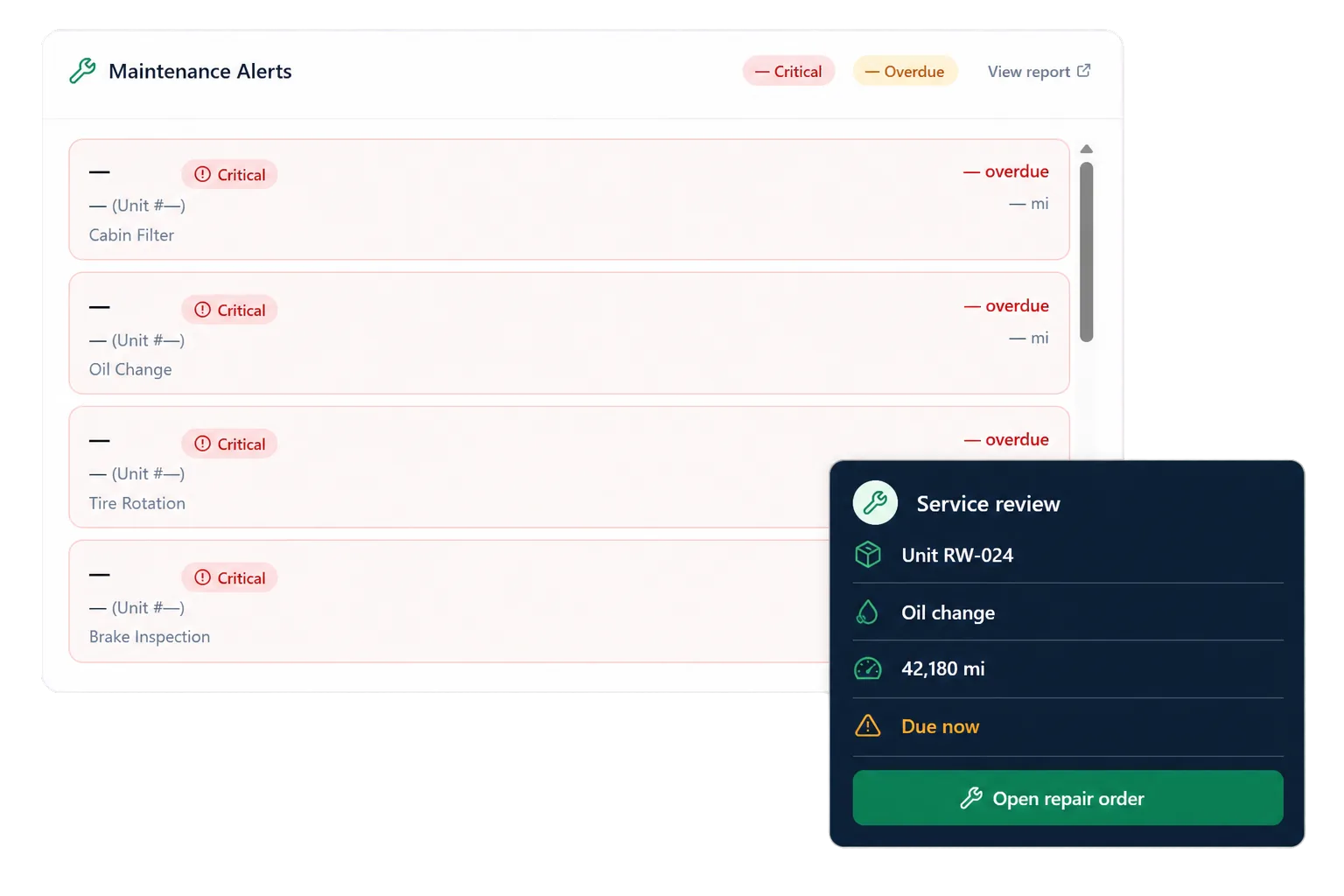
Set service schedules around supported thresholds
RentWorks Plus lets fleet teams schedule maintenance and configure supported time or mileage thresholds. Those rules give staff a repeatable basis for identifying work that is due or overdue.
The schedule can match the procedures used for the configured vehicle set. The exact service types, threshold inputs, inspection alerts, and package coverage follow the configured maintenance scope.
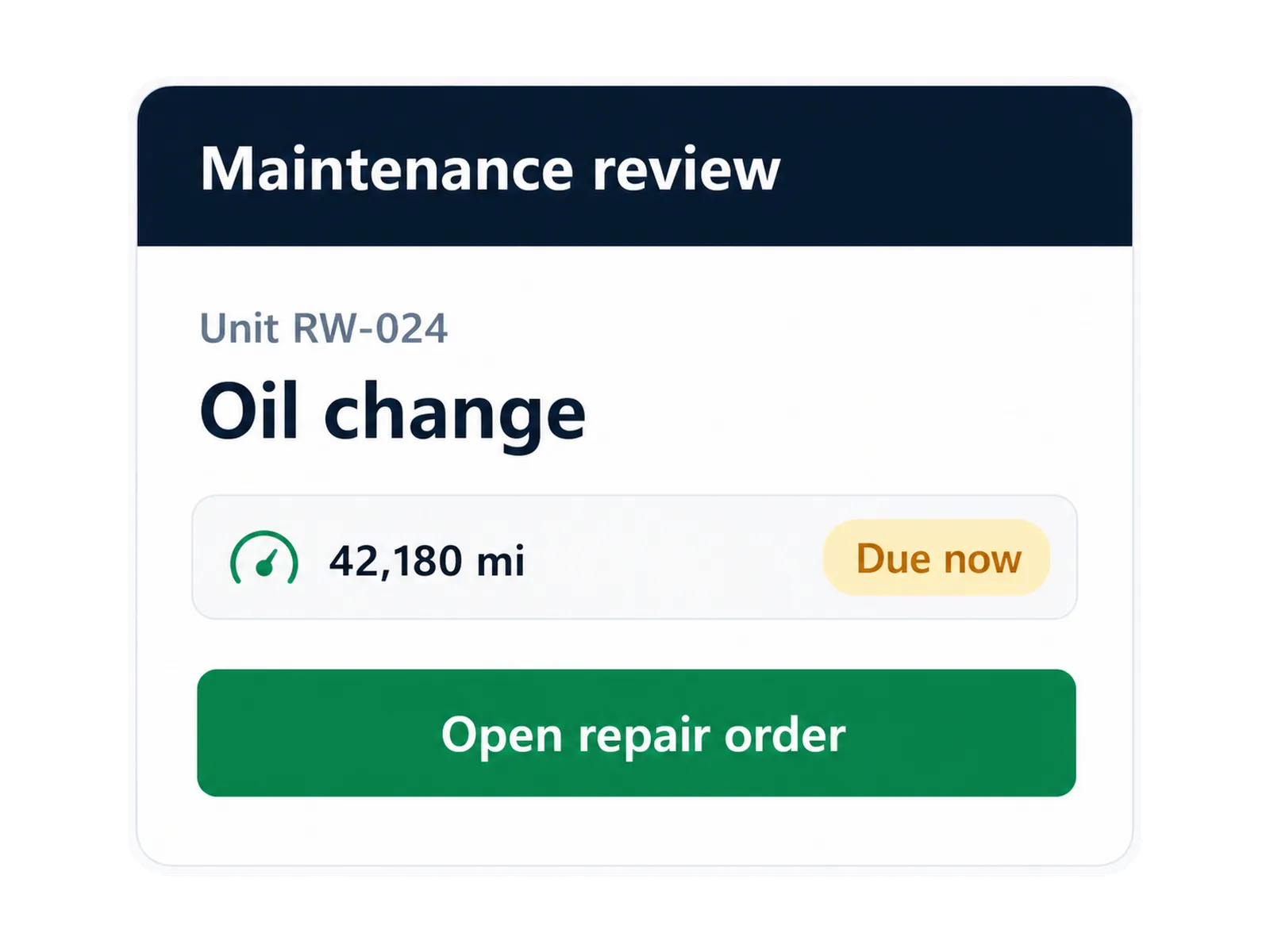
Keep service history with the unit
Supported maintenance records can remain with the vehicle so staff can review prior service when planning future work. That history helps fleet teams understand the maintenance context behind the unit's current status.
This capability does not establish a fixed reduction in downtime, a resale-value increase, or compliance without staff action. Those conclusions need a defined measure, source records, period, and review.
Move scheduled work into the repair process
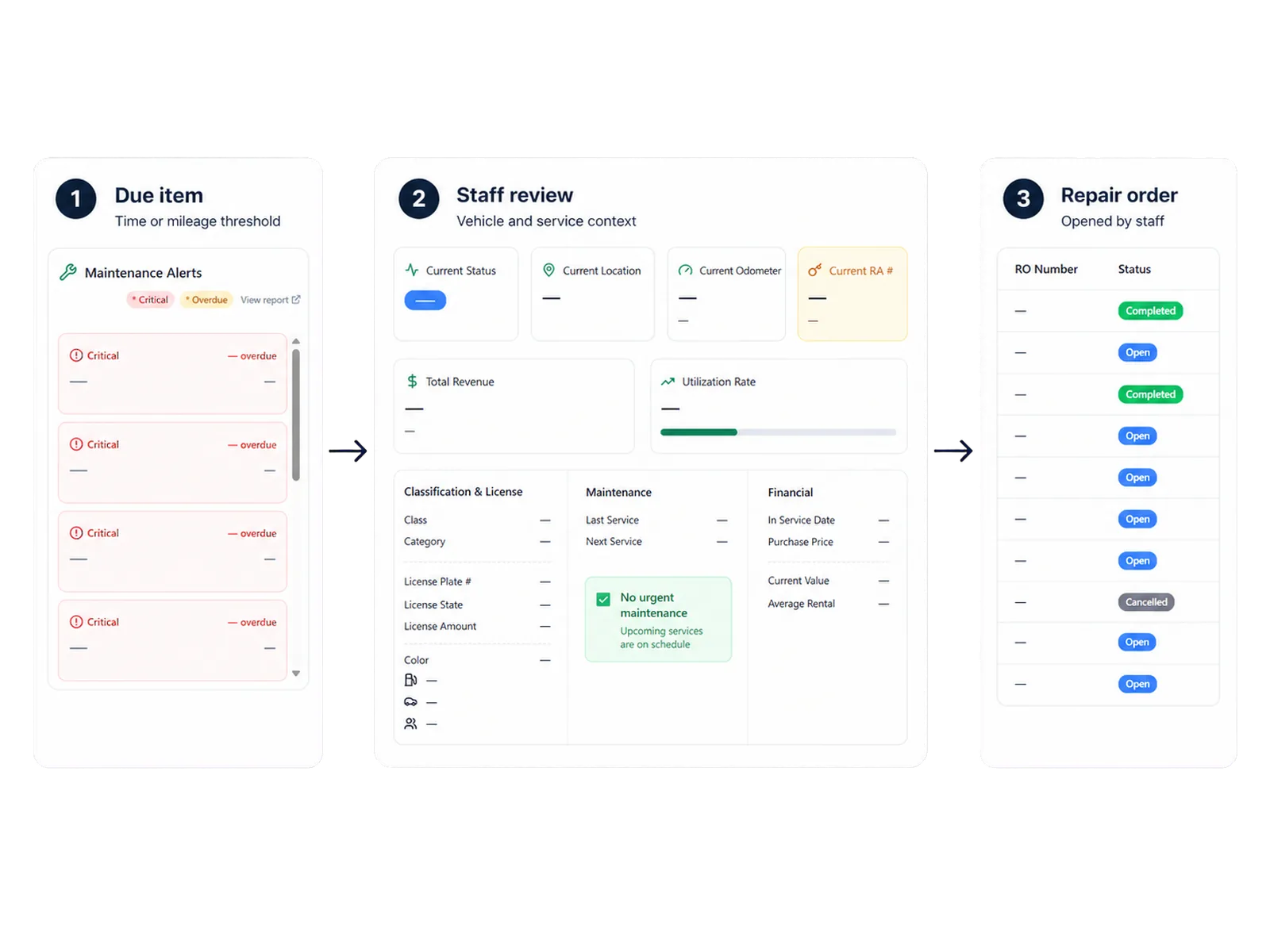
Maintenance and Repair Orders serve different jobs. Maintenance identifies scheduled, due, or overdue work. Repair Orders can record supported shop work and cost once the team opens the work record.
Configured status controls can remove the vehicle from bookable inventory while work is underway. Staff review affected assignments and return the unit to the rental plan under the operator's process.
Set supported time or mileage thresholds.
Review due and overdue maintenance items.
Use configured status controls during service work.
Retain completed work with service history.
Use recorded inputs rather than a forecasting claim
The native capability uses scheduling, supported thresholds, due or overdue alerts, and maintenance history. That is different from a fleet-downtime forecasting model.
A forecasting claim would require a documented model, inputs, outputs, limits, and measured performance. RentWorks Plus is described through the scheduling and alert functions staff can review.
Keep telematics claims within the configured connection
An optional telematics capability can provide supported GPS and vehicle-health context. The scoped connection does not state that telematics creates maintenance alerts or Repair Orders on its own.
If telematics is part of the proposal, the scope should identify the provider, devices, fields, refresh behavior, consent, privacy, coverage, mileage accuracy, maintenance connection, and support responsibility.
How it flows
Three moments that make this real inside a working rental day.
Input
Set service schedules around supported thresholds
Working state
Keep service history with the unit
Outcome
Keep telematics claims within the configured connection
Answers before your demo
Common questions from operators evaluating this capability.
How does RentWorks Plus identify due maintenance?
The native capability uses supported time or mileage thresholds and surfaces due or overdue work for staff review.
What is the difference between Maintenance and Repair Orders?
Maintenance schedules work and surfaces due or overdue items. Repair Orders records supported shop work, cost, and status context once the repair process is opened.
Does RentWorks Plus predict fleet downtime?
RentWorks Plus is not presented as a fleet-downtime forecasting model. The capability covers scheduling, supported thresholds, due or overdue alerts, and service history.
Can telematics create maintenance alerts or Repair Orders?
A direct telematics-to-maintenance data flow is not part of the supported scope. Telematics can provide supported GPS and vehicle-health context when included in the configured setup.
Review due and overdue work with vehicle context
Maintenance alerts can help staff find vehicles that need attention before the next assignment. The vehicle record provides status, availability, location, service history, and rental context for that review.