

See the operating decisions behind the monthly result.
RentWorks Plus gives owners a current view of revenue activity, reservations, fleet and vehicle status, no-shows, balances, claims, and maintenance alerts, with source records behind the work.
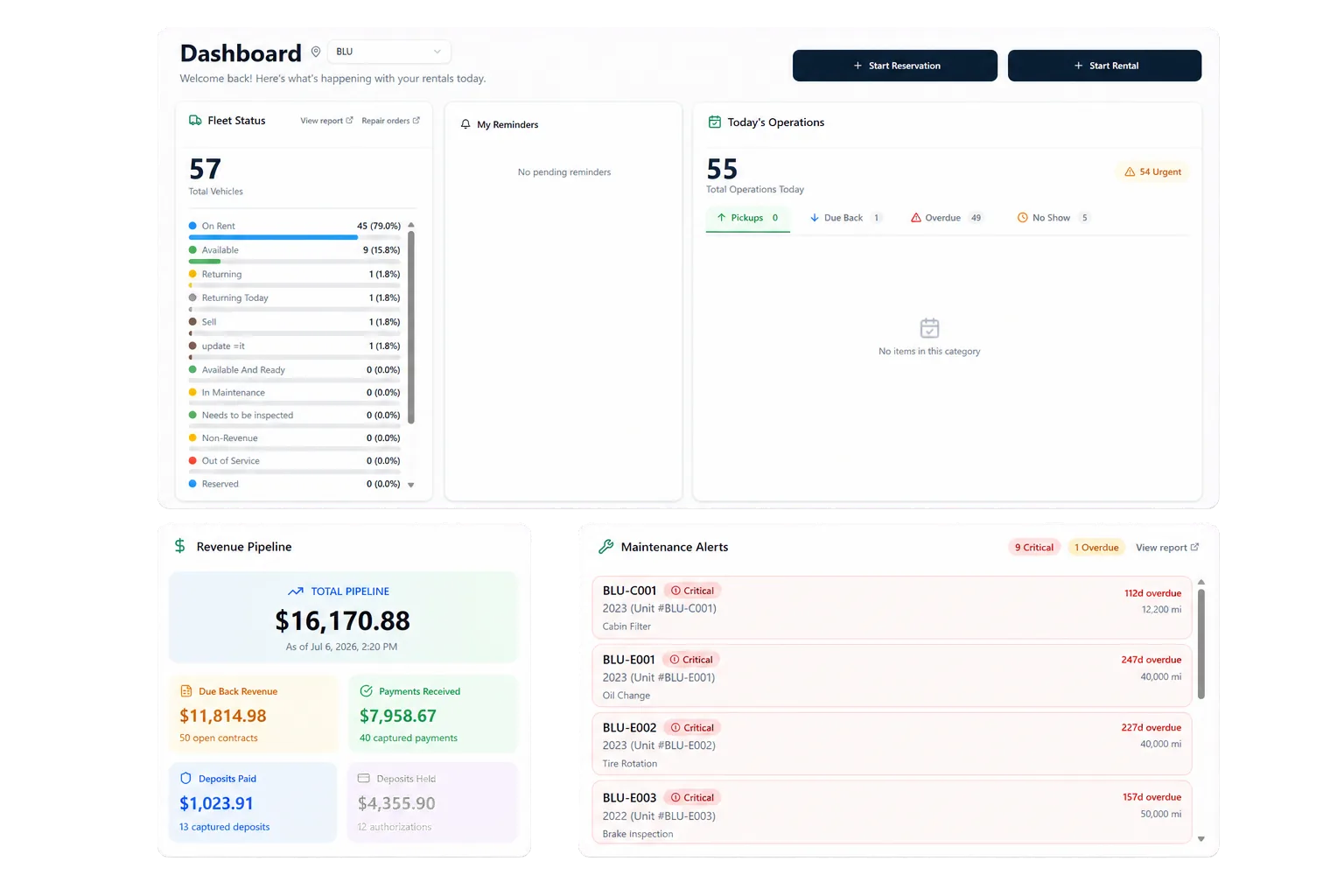
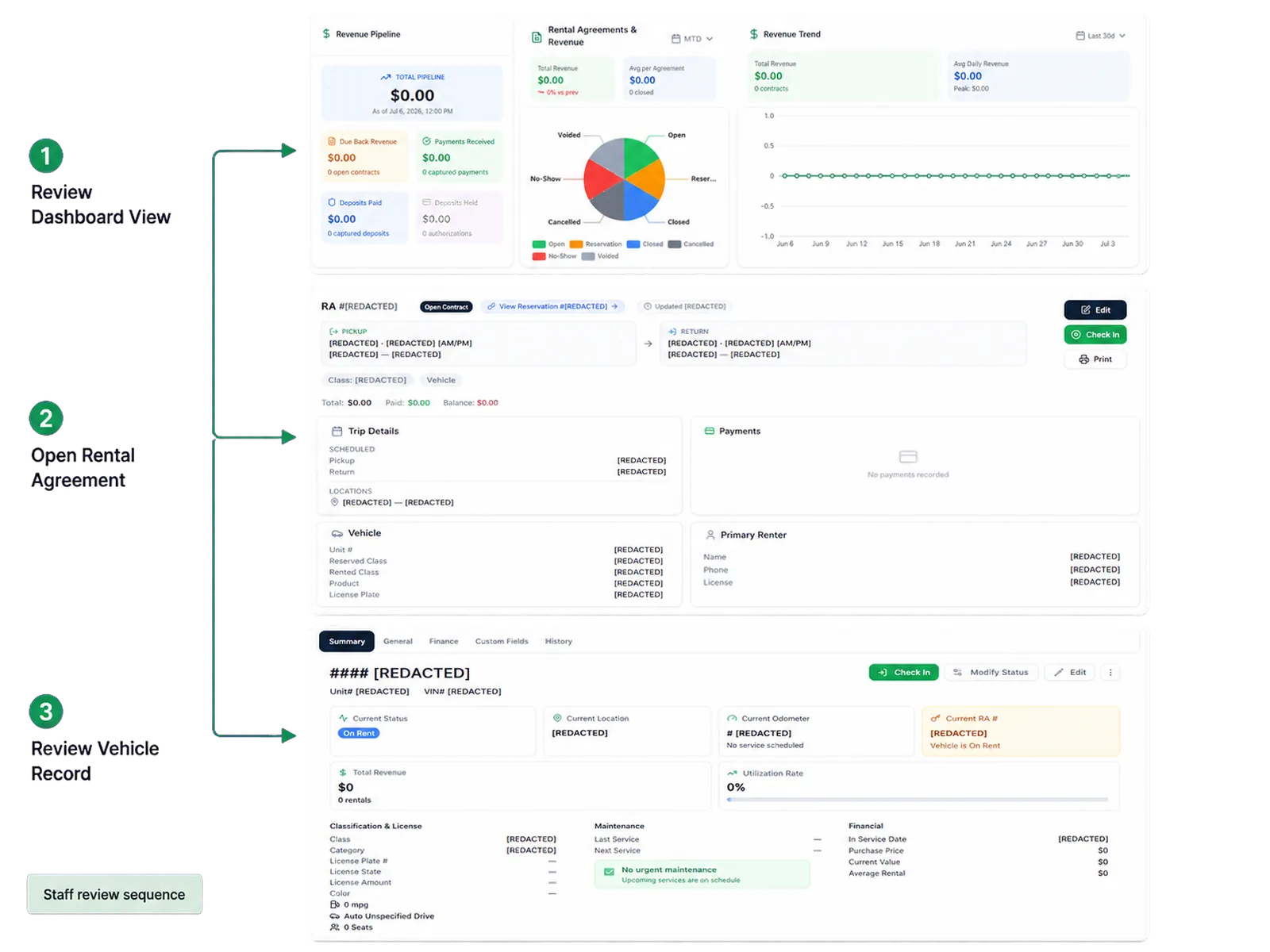
Trace a number back to the rental work
Reservations connect to customers, vehicles, agreements, payment activity, return records, condition evidence, and related fleet work. That context helps managers examine why a vehicle appears unavailable, why a balance remains open, or why a reservation did not convert.
Ask the product team to trace a dashboard figure to the source record in the demo. Include an exception that changed status after staff action.
Put fleet capacity in context
Fleet records can include status, availability, ACRISS class, location, service history, and supported holds. Maintenance teams can set supported thresholds and review due work. Repair orders can record supported work and cost.
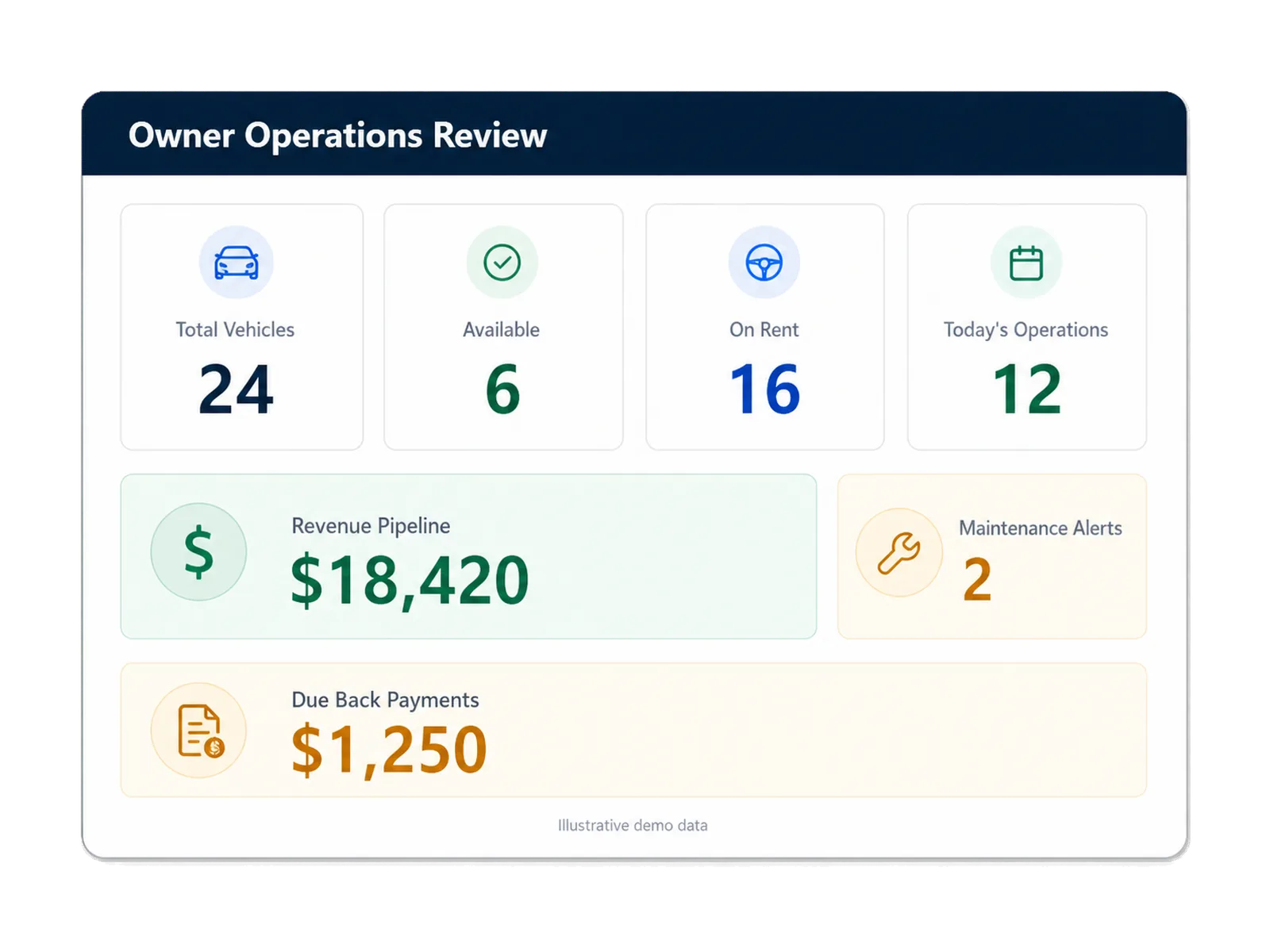
Availability and utilization need written definitions. Ask which vehicles enter each denominator, how overdue returns and service holds appear, and when the view updates.
Give managers access while limiting sensitive fields
Administrators can configure users, roles, approved permissions, and supported customer fields. Selected audit history can help authorized teams review changes within the supported scope.
Map owner, manager, counter, fleet, finance, and administrator access before launch. Confirm who may view payment references, amend records, approve refunds, export data, and review reports.
Build the business case from your baseline
Start with figures your team can reproduce, such as reservation status, fleet availability, open balances, due maintenance, or staff steps. Document the period, source, owner, exclusions, and method.
The ROI Calculator offers a directional estimate based on visible assumptions. Treat its output as a planning input, then validate each assumption against your records and quote.
Keep the baseline beside the proposal. After launch, your team can compare the same definitions and source records without changing the method to fit the result.
Use one metric definition across the review period.
Name the record and owner behind each input.
Separate product scope from customer process changes.
How teams adopt it
Three moments that make this real inside a working rental day.
Start
Trace a number back to the rental work
Adopt
Put fleet capacity in context
Operate
Build the business case from your baseline
Answers before your demo
Common questions from operators evaluating this capability.
Which management views does RentWorks Plus provide?
The confirmed areas cover revenue activity, fleet and vehicle status, reservation conversion and no-shows, and maintenance alerts. Ask for metric definitions, filters, access, and refresh behavior during the demo.
Can supported reports be exported?
Yes. Authorized users can export supported reports to CSV. Confirm the included reports, fields, history, format, timing, permissions, and exit-data process in writing.
Which figures should owners review each day?
Choose figures tied to a decision, such as scheduled arrivals and returns, vehicle availability, overdue rentals, open balances, reservation status, and due maintenance. Define each figure before setting a target.
Review current operations before the books close
RentWorks Plus organizes reporting around revenue activity, fleet and vehicle status, reservation conversion and no-shows, and maintenance alerts. Owners can use those views to ask which rentals, vehicles, balances, or service items need review.