

Collect rental-document signatures at the counter or remotely
Use configured Signiphi signing for supported rental agreements and PDF Builder documents, with staff review and document scope defined for your operation.
Add electronic signature to the agreement workflow
RentWorks Plus connects with Signiphi for electronic signature collection. Where configured, a renter can sign supported rental documents on screen at the counter or through a remote signing link.
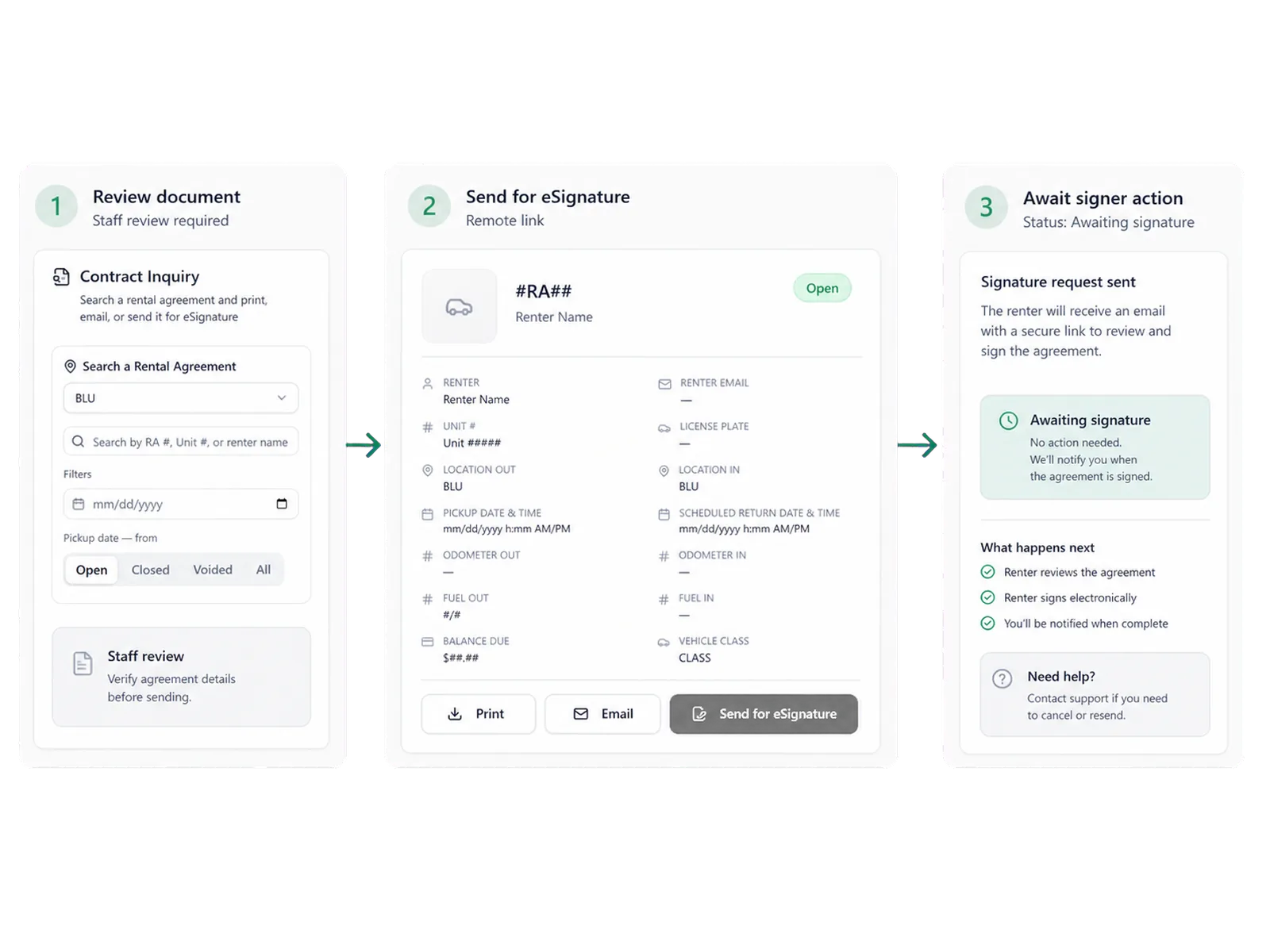
The signing step remains connected to agreement preparation. Staff review the renter, document, terms, deposits, configured charges, and required disclosures before sending or presenting the document for signature.
Use on-screen signing for the staffed handoff
On-screen signing can support a counter workflow where staff and the renter review the agreement before the vehicle handoff. The operator's configuration determines the supported device, document type, signer process, and completed-file handling.
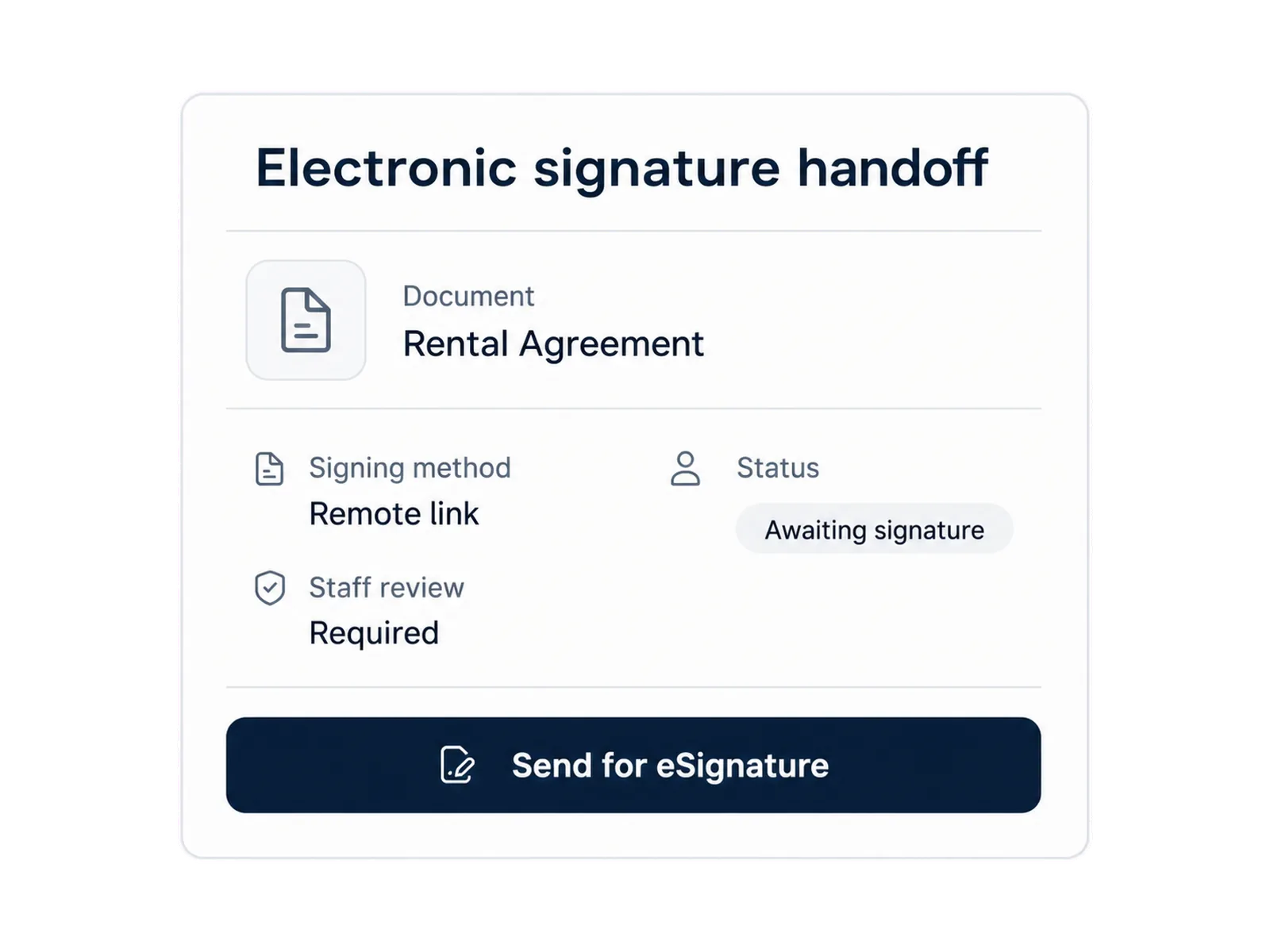
Staff remain responsible for identity checks, questions, corrections, coverage choices, policy, and exceptions. Electronic signature records consent to the supported document; they do not replace the operating checks around the rental.
Use a remote link for supported documents
A configured remote Signiphi link can let a renter sign a supported agreement or PDF Builder document without standing at the counter. This can fit remote preparation, delivery, or another workflow where the operator allows signing before the handoff.
Link expiration, signer authentication, resend behavior, geography, and failure handling depend on the configured setup. Staff retain a path for a renter who cannot access the link or needs help with the document.
Keep document scope and retention specific
Signiphi supports eligible rental agreements and PDF Builder documents where configured. The signing setup defines which templates are supported, how a completed document returns to the rental workflow, and where it is retained.
Do not assume that each document, device, location, or package has the same behavior. Your proposal and implementation plan should identify the supported document list, signing methods, retention, access, and support owner.
Define supported document templates.
Choose the on-screen and remote signing methods in scope.
Set staff roles for sending, correcting, and reviewing documents.
Document completed-file handling and support ownership.
Keep Signiphi separate from the core platform package
Signiphi is a third-party integration. Pricing, package inclusion, supported geography, device requirements, legal terms, and support can differ from the native RentWorks Plus capability set.
A scoped quote should show whether Signiphi is included, which documents and methods it covers, which party supports the signing service, and what the operator must provide.
Retain staff control when a signature needs attention
A renter may question a term, request a correction, fail an authentication step, or need a different signing path. The workflow should route those cases to staff rather than approving the document without staff review.
That review protects the agreement process and gives the renter a person who can explain the document, correct supported information, or stop the handoff when the required checks are incomplete.
How it flows
Three moments that make this real inside a working rental day.
Input
Add electronic signature to the agreement workflow
Working state
Use a remote link for supported documents
Outcome
Retain staff control when a signature needs attention
Answers before your demo
Common questions from operators evaluating this capability.
Can a renter sign without standing at the counter?
Yes. Where configured, a renter can use a remote Signiphi signing link for supported rental agreements and PDF Builder documents.
Can a renter sign on screen at the counter?
Yes. Signiphi can support on-screen signature collection for eligible documents through the configured counter workflow.
Is Signiphi included with RentWorks Plus?
Signiphi is a third-party integration. Package inclusion, pricing, document types, devices, geography, and support depend on the scoped proposal.
What happens if the renter needs a correction?
Staff review the requested change, update supported agreement information under the operator's policy, and present or send the corrected document through the configured signing path.
Review the signing path your renters need
Bring your agreement templates, counter devices, remote workflow, staff roles, and exception cases to a focused demo.