
TAMPA, Fla., November 10, 2026. Bluebird Auto Rental Systems today introduced RentWorks Plus CoDriver, an AI connector that links AI assistants to RentWorks Plus. Operators ask about anything in their rental business in plain words, and CoDriver does the work once they approve.
CoDriver is on the RentWorks Plus dashboard. An operator clicks Ask AI and types a request the way they would say it at the counter.
Teams that already work in Claude, ChatGPT, Gemini or Grok can use CoDriver from there too. CoDriver is built on the Model Context Protocol (MCP), the open standard AI assistants use to work with business systems.
CoDriver is available now to RentWorks Plus customers.
Watch CoDriver at work
Five example jobs, start to finish, on real RentWorks Plus screens. 48 seconds.
What can CoDriver do?
CoDriver works across RentWorks Plus: reservations and the counter, rentals and returns, payments and billing, the fleet and its maintenance, damage claims and tolls, rates, customers, companies and loyalty, reports and accounting. Your team can ask CoDriver for most of what they do in RentWorks Plus, within what their role allows.
The video shows five of those jobs from start to finish:
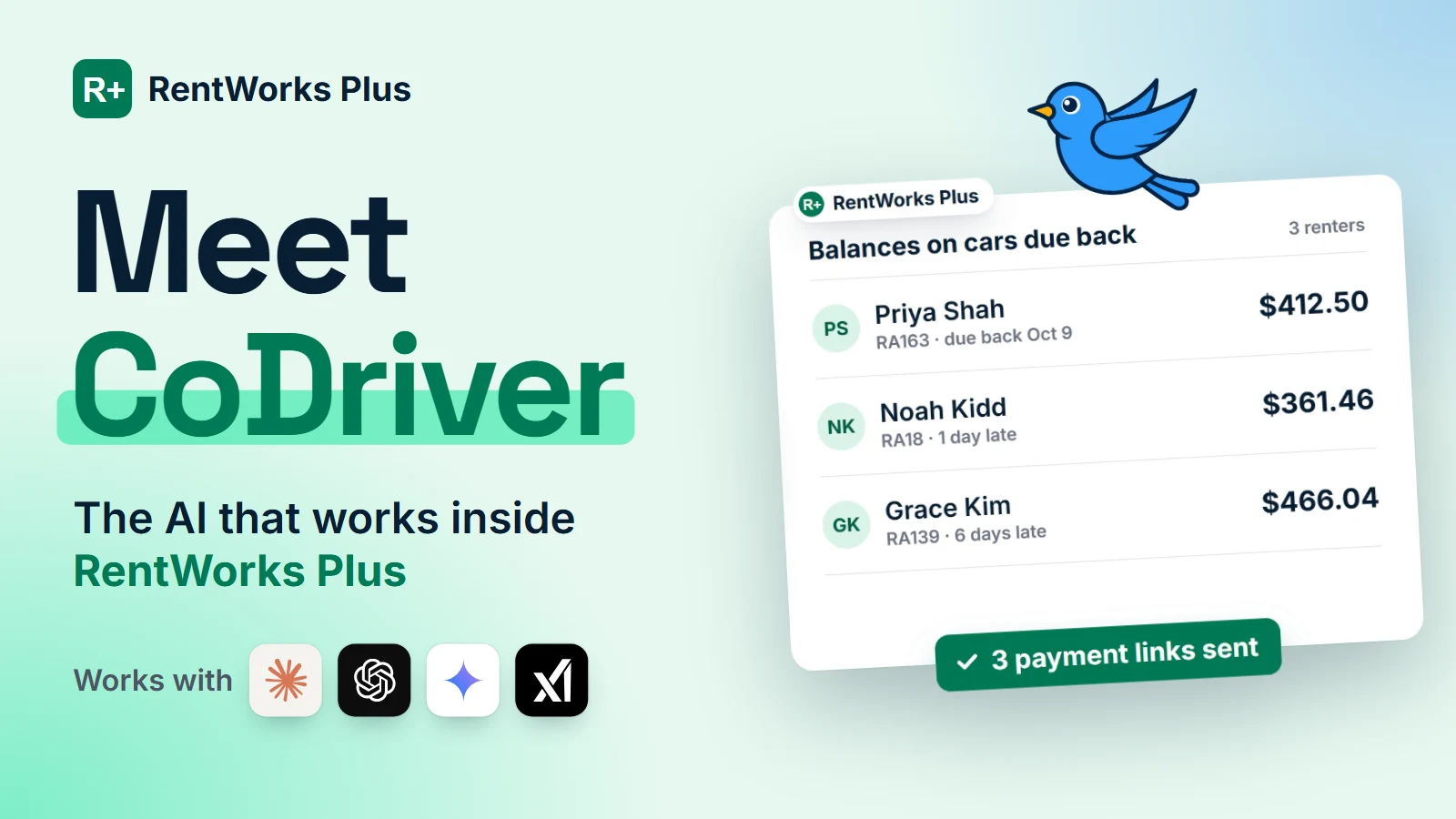
- Get paid. “Who still owes us on cars that are due back? Send each of them a payment link.” CoDriver lists the balances and sends a Pay by Link request to each renter once you approve.
- Chase late cars. “Which rentals are overdue? Text any renter we haven’t contacted yet.” It finds the overdue agreements, drafts the message, and notes each text on the booking so the next person knows the renter was contacted.
- Prove the damage. “This car came back with a dent. Compare it to check-out and open a claim if it’s new.” It opens a claim pre-filled from the check-in inspection, with the vehicle, the damage and the photos.
- Get the report. “How does this October compare with last October? Email me that report every month.” It runs the report and schedules it to your inbox.
- Raise the rate. “Which classes are almost sold out this weekend? Raise their rates by 10%.” It shows availability by class, previews the change, and applies it when you confirm.
Those are examples. Teams also ask CoDriver to book and check out reservations, check in returns, charge a card on file, open repair orders, add vehicles, create promo codes, send agreements for e-signature, build a form from a photo, run any report and email it on a schedule, or explain how to do something in RentWorks Plus. See what you can ask CoDriver to do.
How does CoDriver keep you in control?
CoDriver works inside the limits you already set in RentWorks Plus.
- It works as you. CoDriver acts as the signed-in RentWorks Plus user and can see and do only what that user’s role allows.
- It asks before it acts. Anything that changes a record, such as booking a reservation, sending a payment link, texting a renter, opening a claim or changing a rate, shows you what will happen first and runs only when you confirm.
- It respects your renters’ choices. Renters who opted out of texts or email are not messaged.
- It leaves a record. Texts are noted on the booking, and a rate change made through CoDriver is recorded in the rate history as an AI recommendation.
- RentWorks Plus stays the system of record. When you use CoDriver from Claude, ChatGPT, Gemini or Grok, your AI provider’s terms apply to that conversation.
Use it from the AI you already use
CoDriver is the AI connector for RentWorks Plus. Use it from the assistant on the dashboard, or from Claude, ChatGPT, Gemini, Grok or any assistant that supports MCP, with the same permissions and the same approvals. Support depends on the assistant and its plan.
How to get started
CoDriver is available now for RentWorks Plus customers. Open the dashboard, click Ask AI and type your first question. See what CoDriver does.
New to RentWorks Plus? Book a demo to see CoDriver at work.
About Bluebird Auto Rental Systems
Bluebird Auto Rental Systems, headquartered in Tampa, Florida, has built car rental management software since 1982. RentWorks Plus runs reservations, rental agreements, fleet status, payments, inspections, claims and reporting in one workspace for more than 1,000 operators in over 70 countries. Learn more at rentworksplus.com.
Frequently Asked Questions
What is RentWorks Plus CoDriver?
CoDriver is the AI connector for RentWorks Plus. It links AI assistants to your live rental data, so you can ask about anything in RentWorks Plus in plain words, see what it found, and have it do the work once you approve.
What is an AI connector?
An AI connector links an AI assistant to the software you run your business on. CoDriver uses the Model Context Protocol (MCP), so the assistant can read RentWorks Plus and act in it within your permissions. RentWorks Plus stays the system of record.
Where do I find CoDriver?
On your RentWorks Plus dashboard. Click Ask AI, or pick one of the suggested questions, and type your request.
Can I use CoDriver from Claude or ChatGPT?
Yes. CoDriver also works from Claude, ChatGPT, Gemini, Grok and any other assistant that supports the Model Context Protocol (MCP), with the same permissions and approvals. Support depends on the assistant and its plan.
Can CoDriver make changes without my approval?
No. Actions such as sending a payment link, texting a renter, opening a claim or changing a rate show you a preview first and run only when you confirm.
What can CoDriver see?
Only what your RentWorks Plus user role allows. A counter agent and an owner see different things, as they do in RentWorks Plus.
Do I need technical skills to use it?
No. You type a request the way you would say it, for example “Which rentals are overdue?”, and CoDriver does the rest.